


An in-depth Notion review covering features, pricing, pros and cons to help you decide if it’s the right all-in-one workspace for your workflow.
Overall Score: 4.5 / 5
Best For: Freelancers, startups, content teams
Starting Price: Free plan available | Paid plans from $10/user/month (approx.)
Free Trial: Yes (Free plan)
Short Verdict:
Notion is one of the most flexible all-in-one productivity tools available in 2026. It combines notes, databases, collaboration, and AI into a customizable workspace ideal for individuals and growing teams.
👉 Try Notion on Official Website
What Is Notion?

Notion is an all-in-one productivity platform that combines note-taking, project management, documentation, and database functionality into a single workspace.
Instead of switching between multiple apps, users can centralize workflows, tasks, and collaboration inside one customizable system.
Core Features
Flexible Databases
Notion allows users to create tables, Kanban boards, calendars, and lists that can be customized for virtually any workflow.
Templates Ecosystem
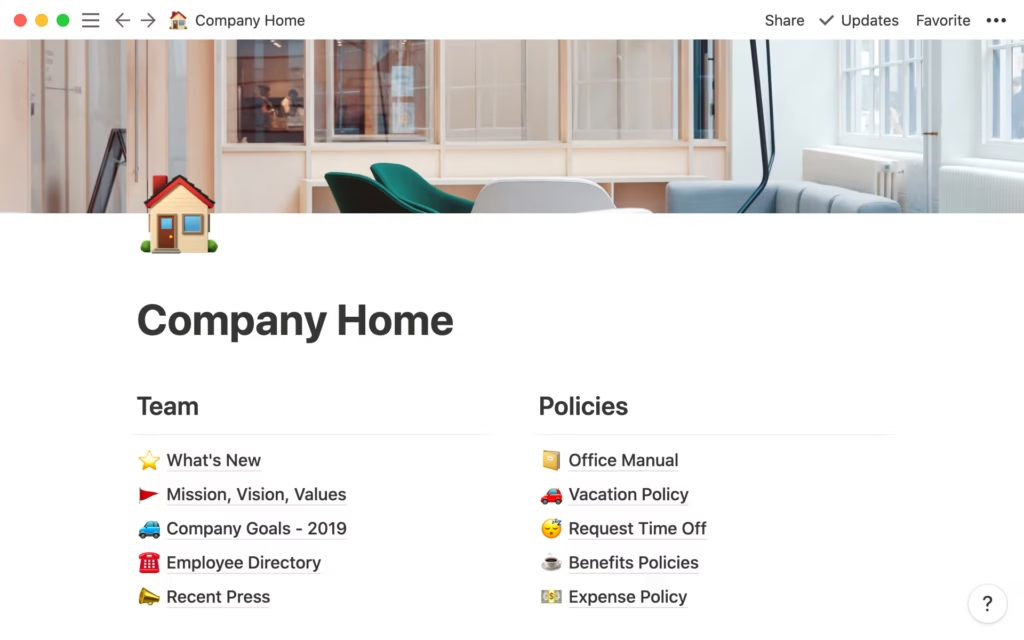
Thousands of built-in and community templates for:
- Project management
- Content calendars
- CRM systems
- Knowledge bases
Collaboration Tools
- Real-time editing
- Page comments
- Mentions
- Shared team workspaces
Notion AI
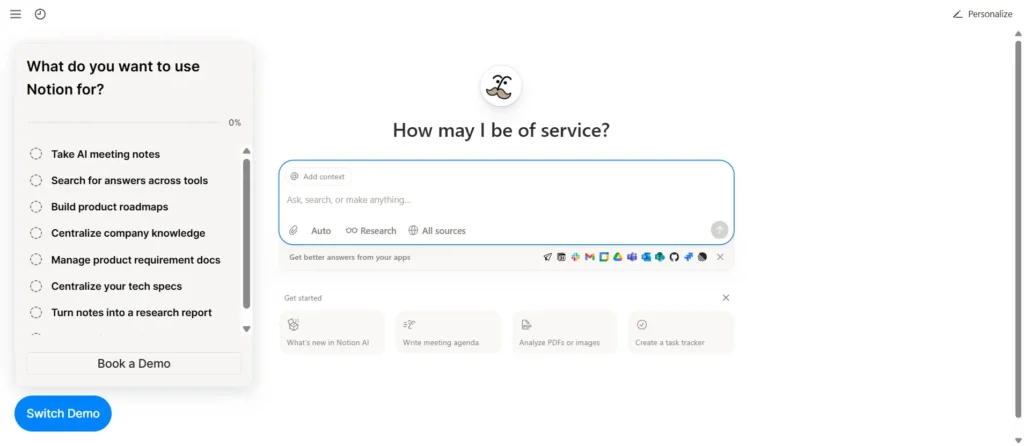
Integrated AI assistant for:
- Drafting content
- Summarizing notes
- Brainstorming ideas
- Improving writing clarity
Pricing Overview
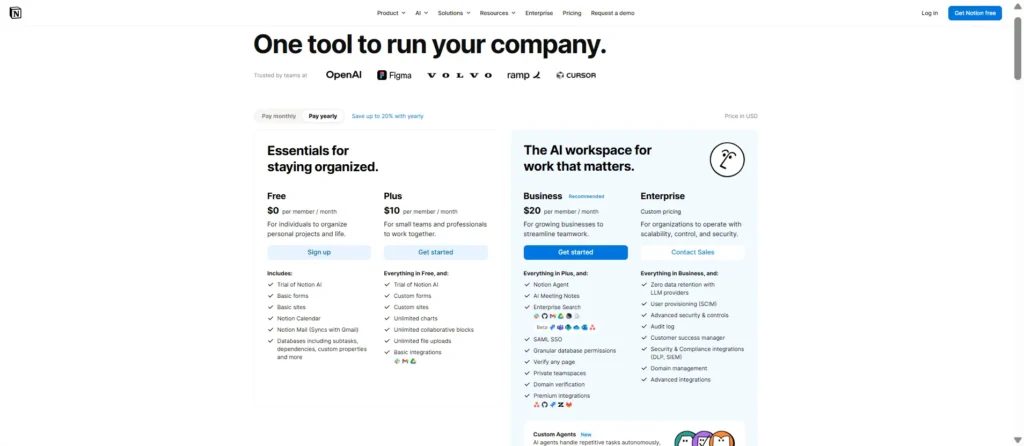
Notion offers four pricing tiers:
- Free – For individuals
- Plus – Small teams
- Business – Advanced collaboration
- Enterprise – Large organizations
Compared to competitors, Notion remains competitively priced given its flexibility and AI features.
👉 Check latest pricing on official website
Performance & Usability
Notion performs reliably across desktop and mobile. While setup may require time initially, once configured properly it can replace multiple tools.
However, teams requiring deep automation or advanced reporting may need additional integrations.
Who Should Use Notion?
Notion is ideal for:
- Freelancers managing multiple clients
- Content creators building editorial workflows
- Startups centralizing documentation
- Teams wanting flexible systems
It may not be ideal for large enterprises needing heavy compliance or complex workflow automation.
🔴 FINAL VERDICT
Notion remains one of the strongest all-in-one productivity platforms in 2026. Its flexibility, affordability, and AI capabilities make it a top choice for individuals and growing teams.
While it requires initial setup time, the long-term benefits outweigh the learning curve.
⭐ Overall Rating: 4.5 / 5